Make every day more productive and profitable
Help
Help CentreManaging messages across SMS, email, WhatsApp and Messenger can get overwhelming. With Squeegee, all your customer communication lives in one dashboard. You can send automated reminders, schedule marketing & bulk messages and always reply on time — so you stay professional, save time and reduce missed appointments.
(150 free credits per month, per user are included with Advanced, Ultimate and Infinite plans.)
From customer service to planning and replanning, quotes and invoicing, billing and payments – it does it all. Any device, any time, one app and one subscription. It’s absolutely essential for any appointment-based business. I wouldn’t be without it. Thank you!

Setting up Squeegee was a breeze. The support team guided me through linking it to my GoCardless account and advised me on the best settings for my business. I was up and running quickly and ready to sign up my first customers. What surprised me most about Squeegee was how intuitive and easy it is to use. The automated payment system through GoCardless is one of the best features. Customers love how easy it is—no need for cash payments or worrying about bank transfers. Payments are set up once, stored securely and handled automatically making the whole process stress-free for both me and my customers.
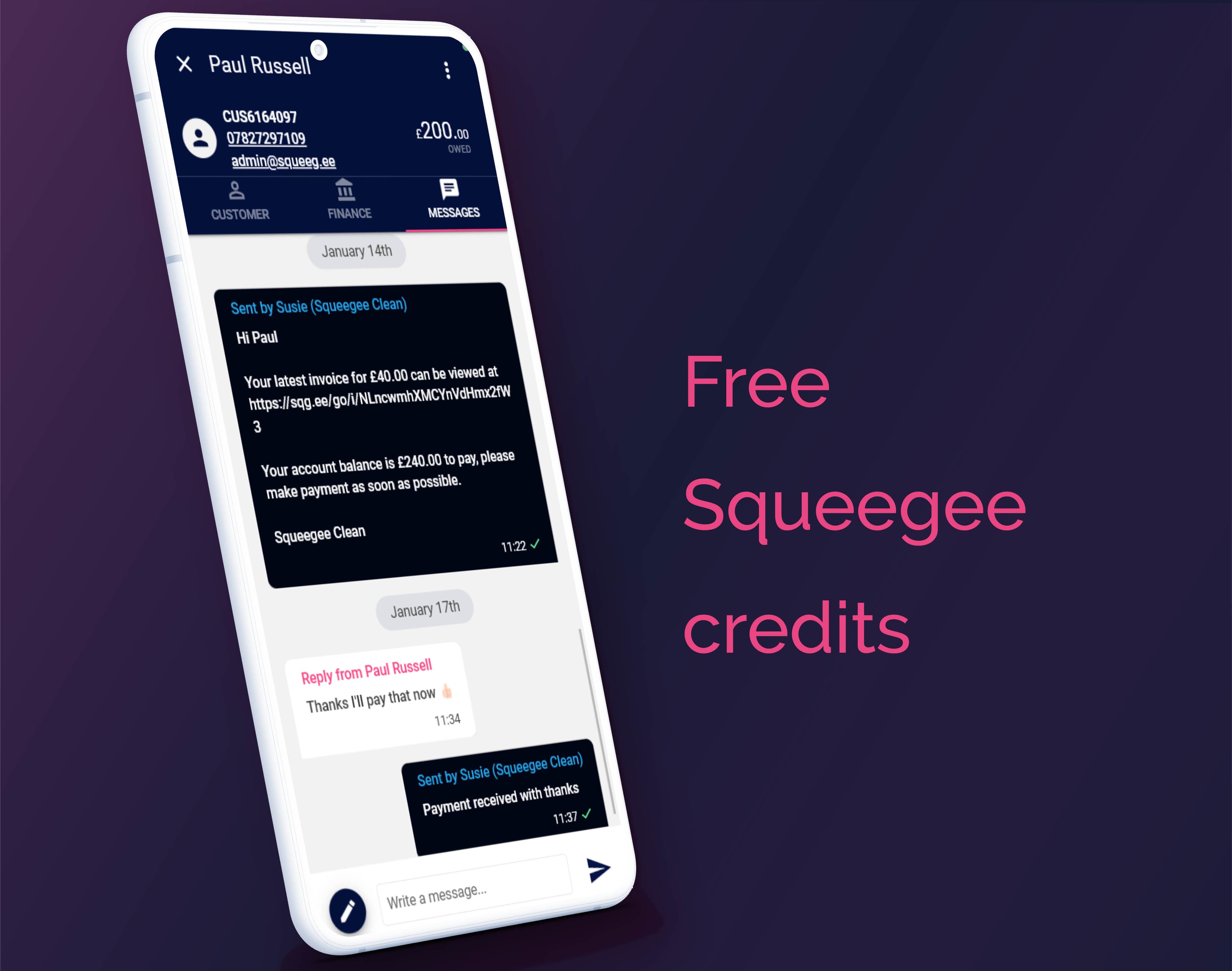
Start using Squeegee 2-way SMS as part of your 30 day free trial of Advanced. Find out everything you need to know about getting set up to trial this feature.

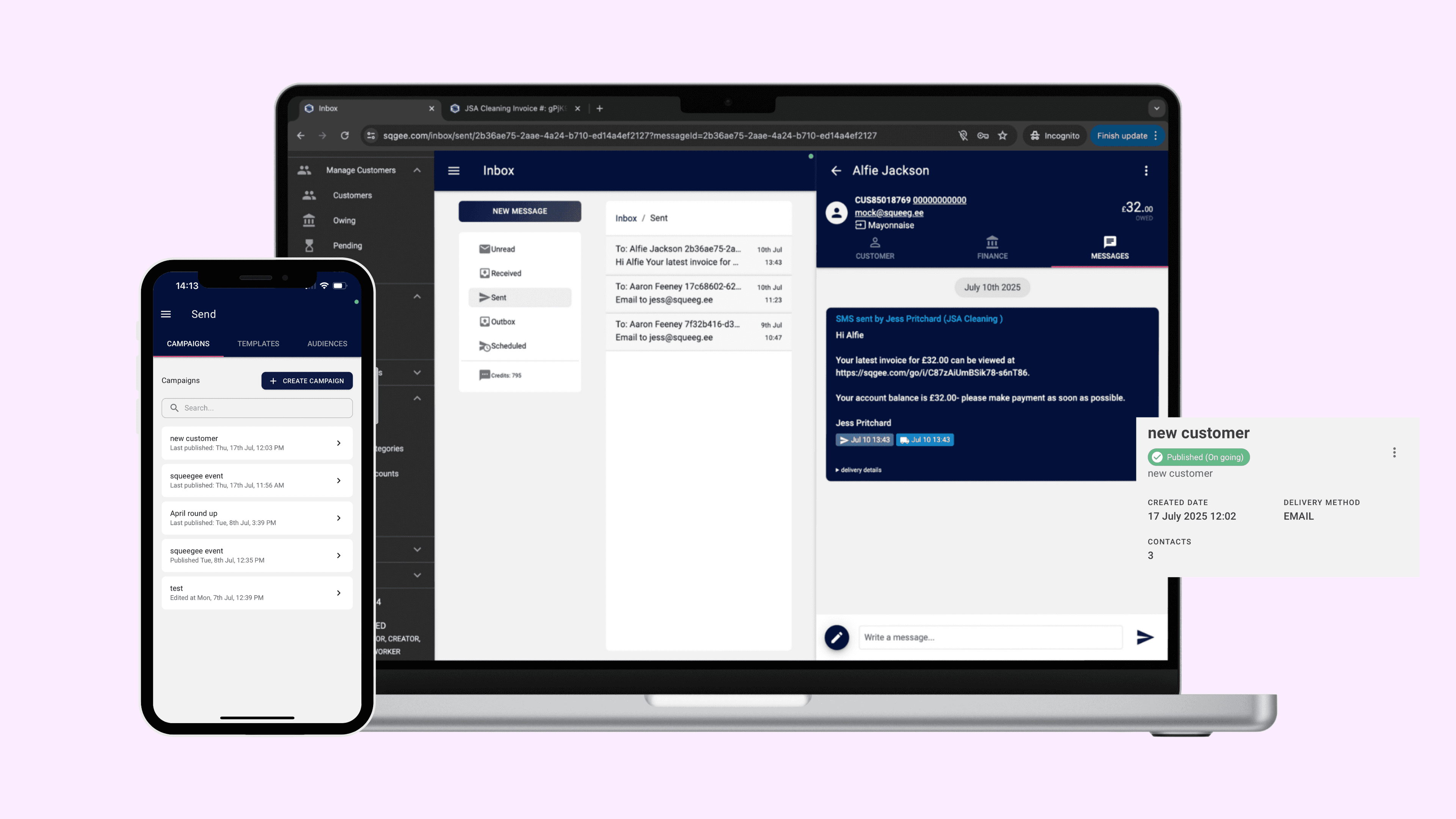
Learn about how service industry businesses can use Squeegee Send to send mass communications to their customers through email, SMS messaging, and eventually post.


Automatically send appointment reminders, invoice alerts, payment requests and any other messages.
The simple scheduling offers different set time windows of:
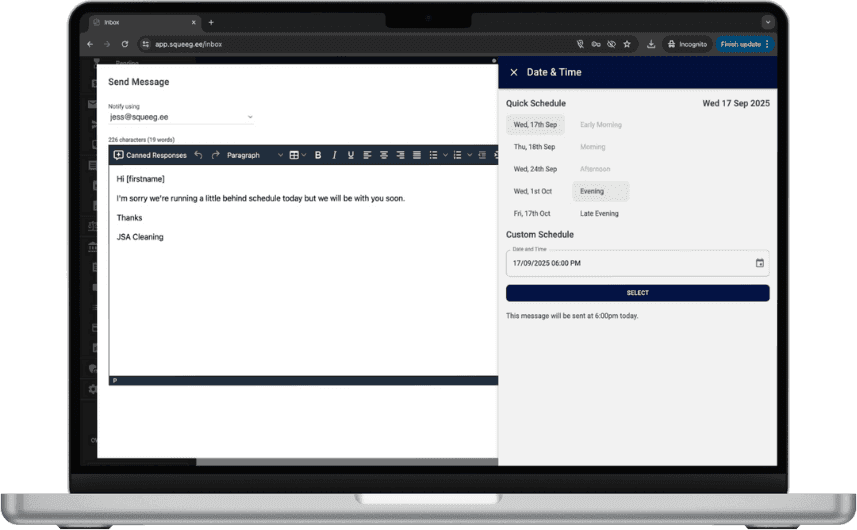
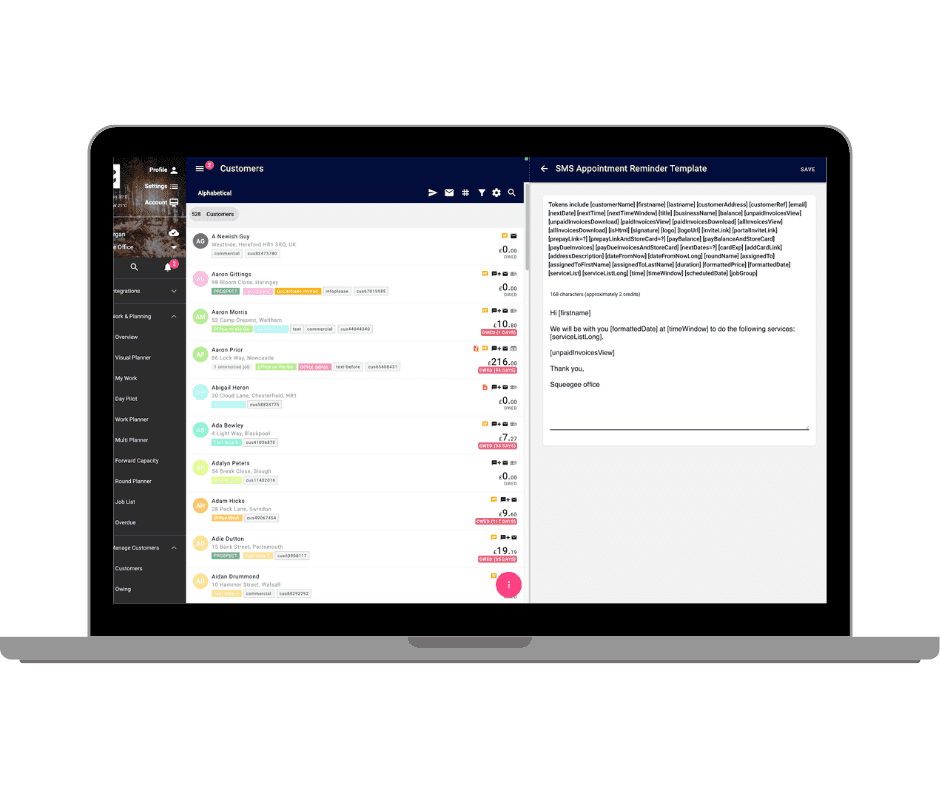

Make all messages look personal to your clients by using tokens in the various templates
Add dynamic tokens into your messages, which automatically fill in personalised details when sent. You can use tokens to pull in information like names, dates, prices, links, and other custom values, making it easy to send relevant, individualised messages at scale while saving time and reducing manual effort.

Email Messaging
Squeegee uses your default email address (set in your business settings) to send messages, so your customers always know it’s coming from you. You can:
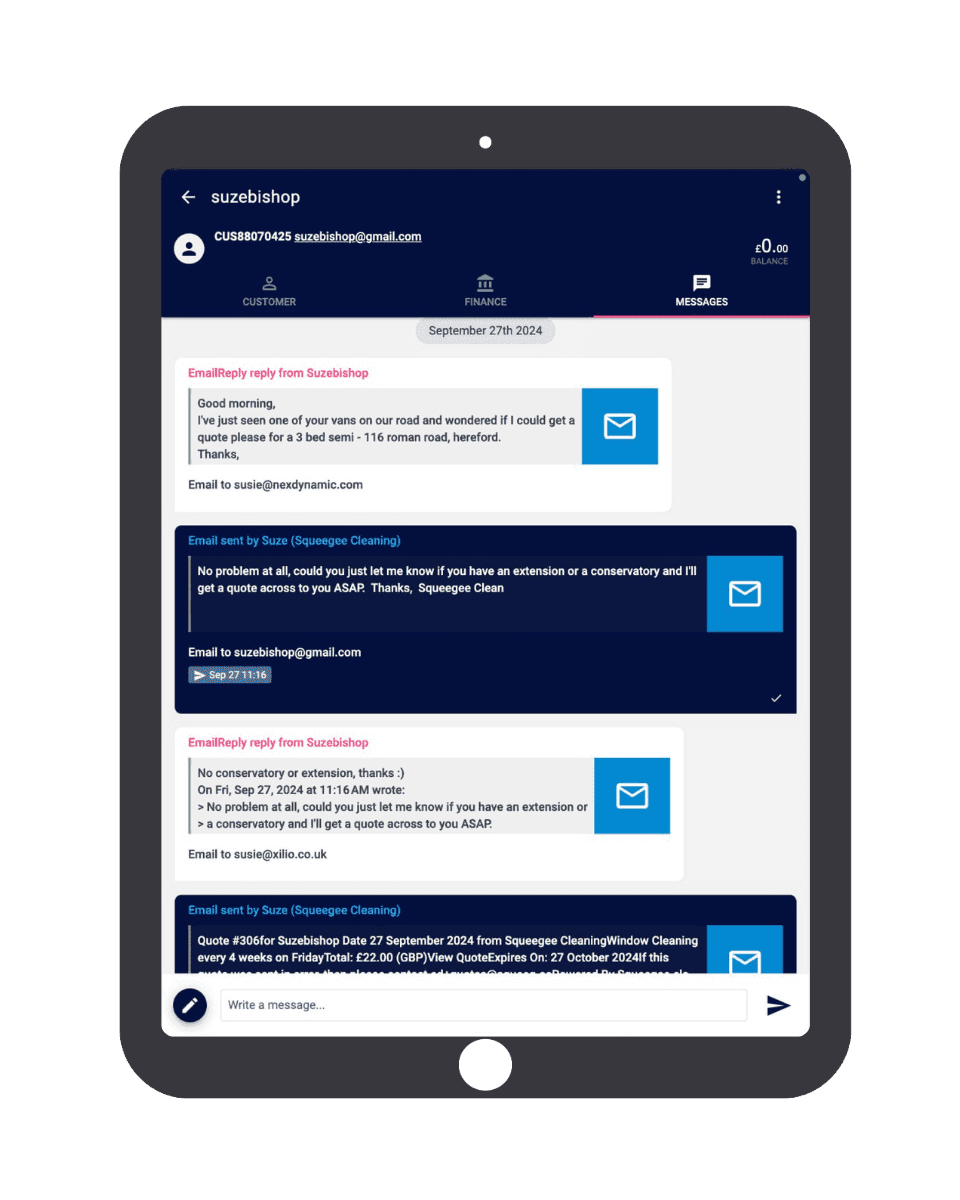
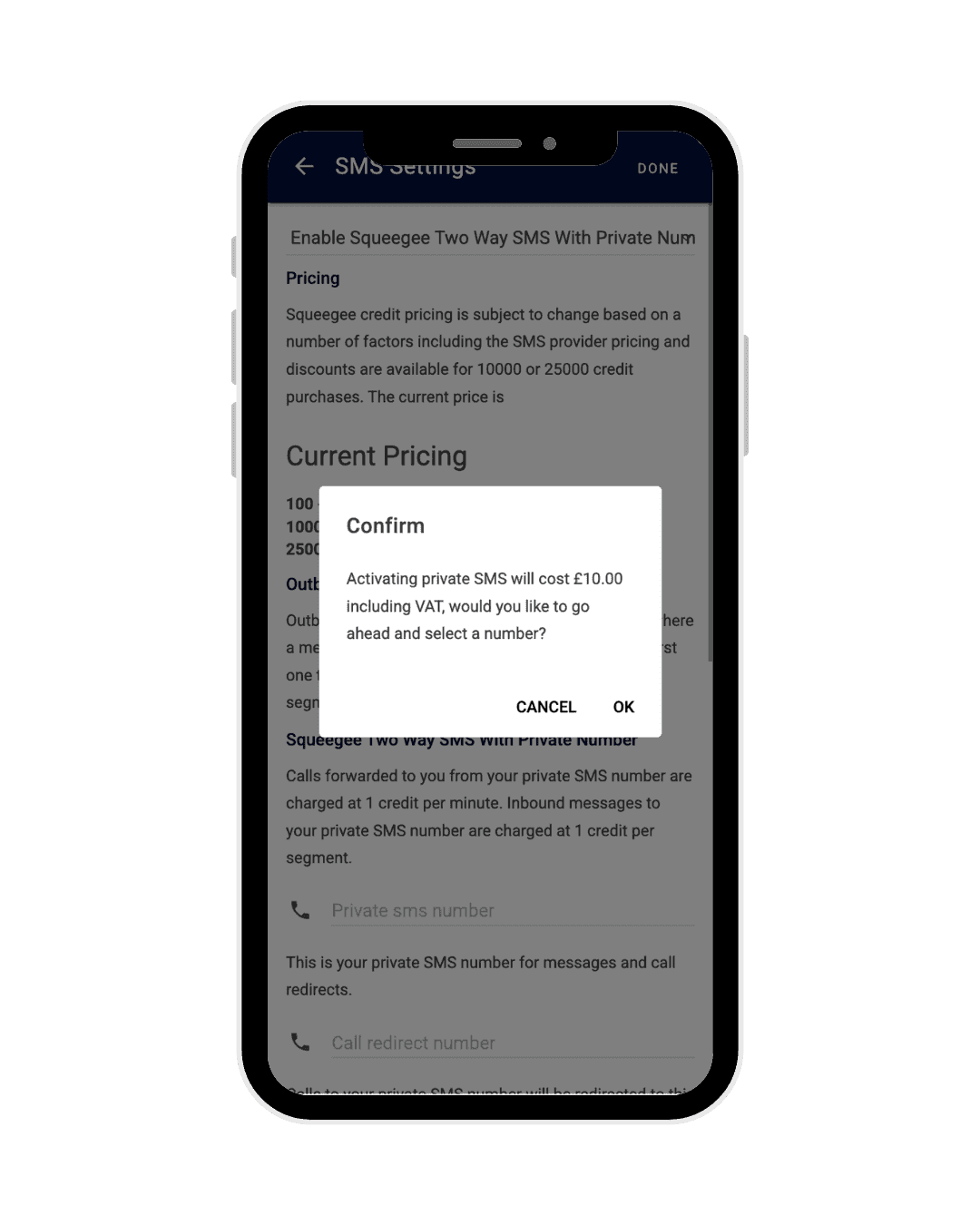

Choose to purchase a private number within your Squeegee account.
Once activated, all SMS messages will be sent and received through that number. Customers will see the same sender ID every time, making communication simple and professional.

Stay informed with custom push notifications for every alert type.
Stay instantly updated with new messages, appointment updates or payment reminders, you’ll know the moment it happens. Simply tap the notification to jump straight into the customer’s message tab, view the full conversation and send a quick reply.
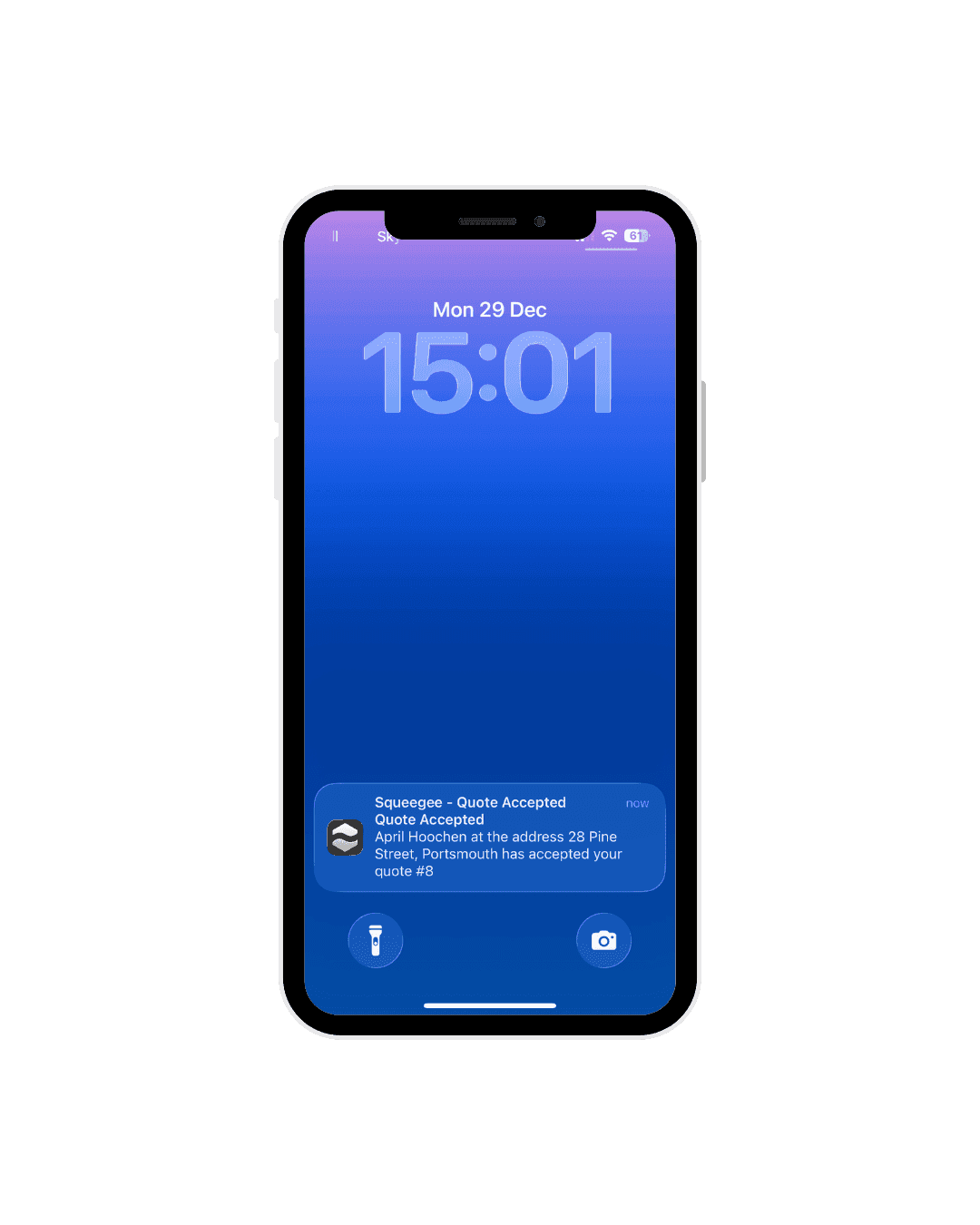
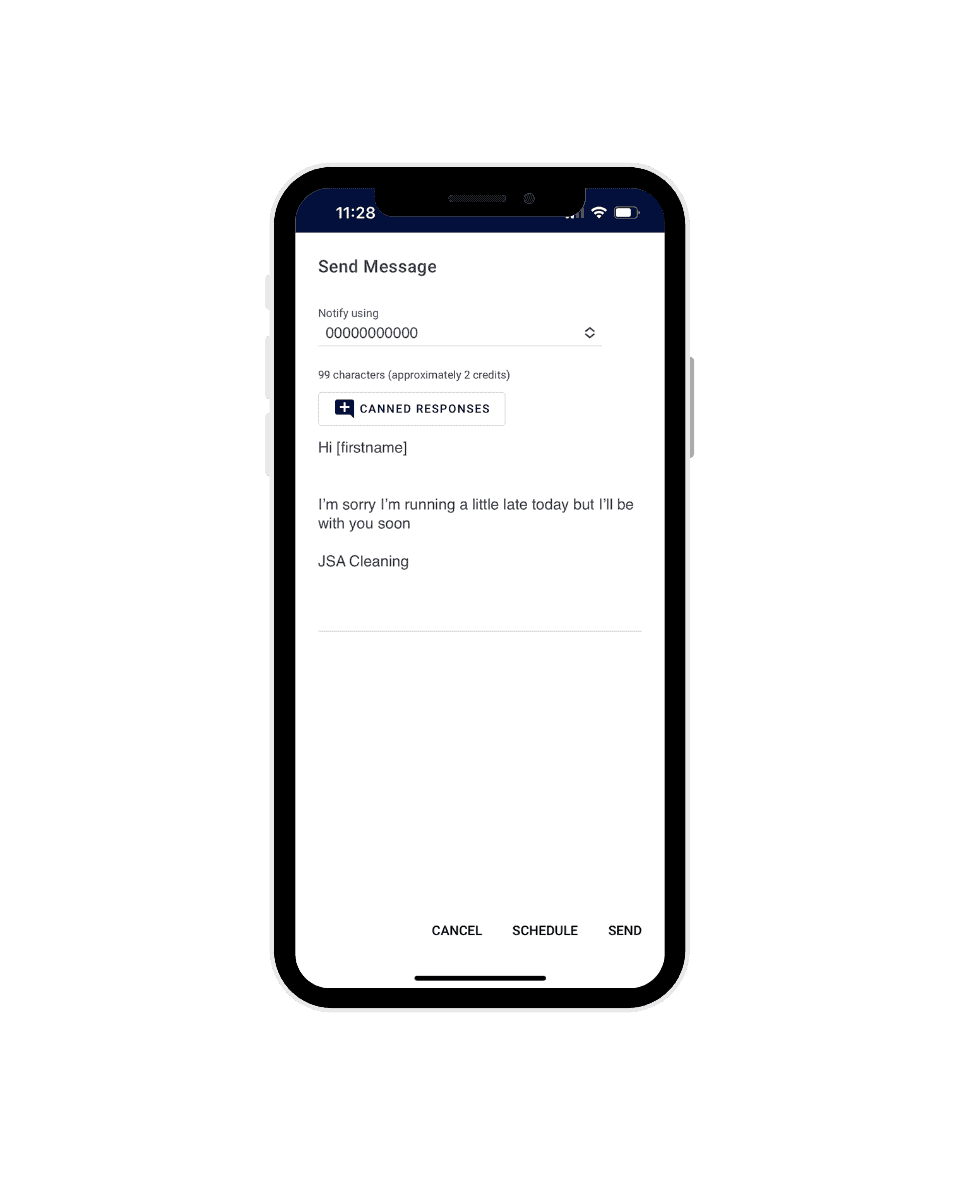

Stay organised, responsive and keep your customers in the loop.
With the purchase a private number, calls can also be redirected to any number at any time meaning it's easy to switch who will receive calls to your business number depending on who is working.

Automatically send appointment reminders, invoice alerts and payment requests.
Perfect for informing customers when teams are running behind schedule. Simply select the jobs you want to message, click actions > message customers Edit your message and use tokens to automatically pull in details like job dates or customer information.
You can save time by setting up SMS or email templates, ready to send out in bulk whenever needed.
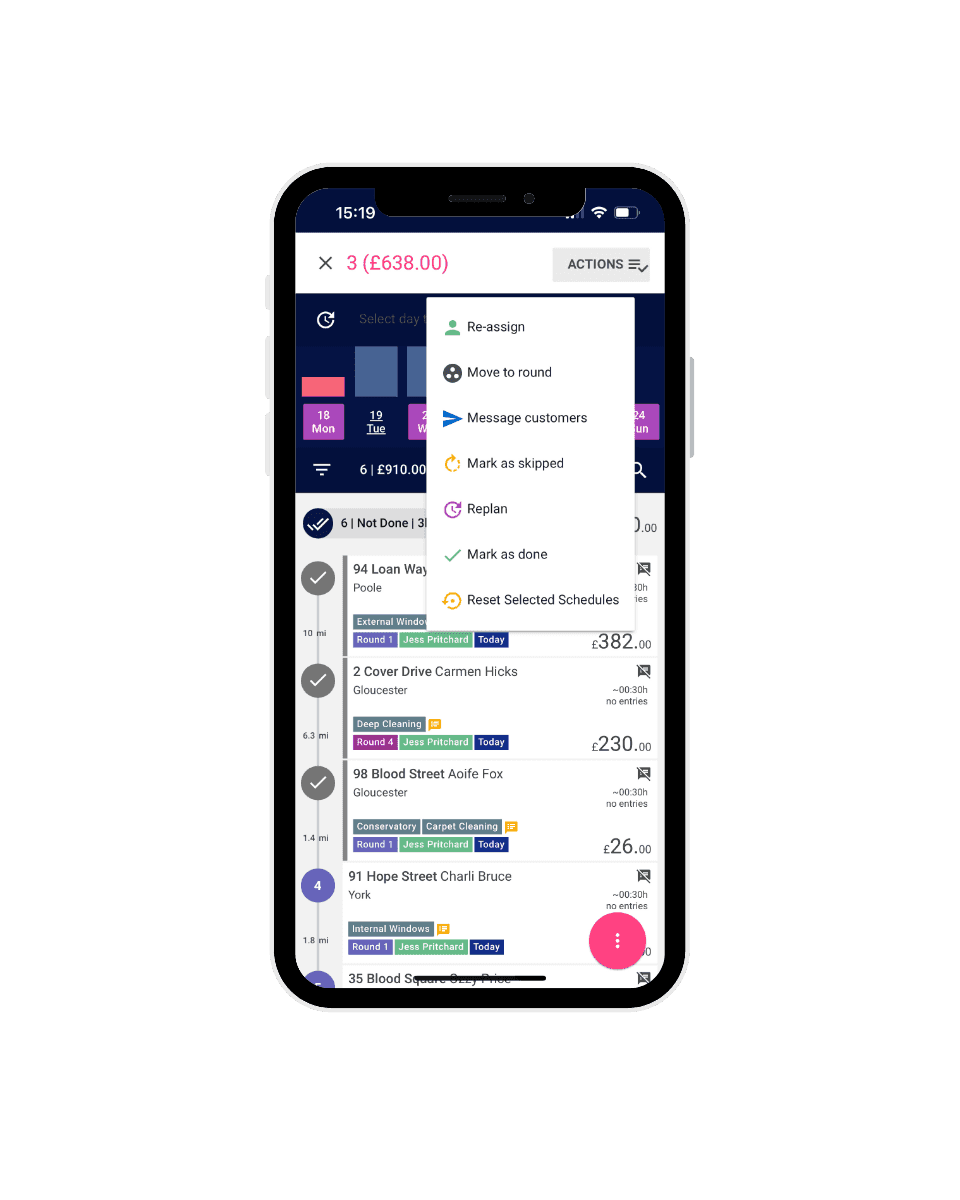
This software has been a true game changer and delivers everything that I wanted my business to run like. Easy access to bulk messaging, day before text reminders and emails to keep all my customers in the loop. You don't understand how powerful these small attention to details go but it's a really long way. I have nothing but praise from customers on how amazing the communication is. But it's not just that, the work layout, route optimisation, adding new customers, round grouping, visual planning, Payment data, auto-payments, bank reconciliation, Customer support, customer management, reporting (On literally everything you need), customer portals and more!

SEND is the newest product that is about to be released from Squeegee which will take care of all your marketing needs!