Make every day more productive and profitable
Help
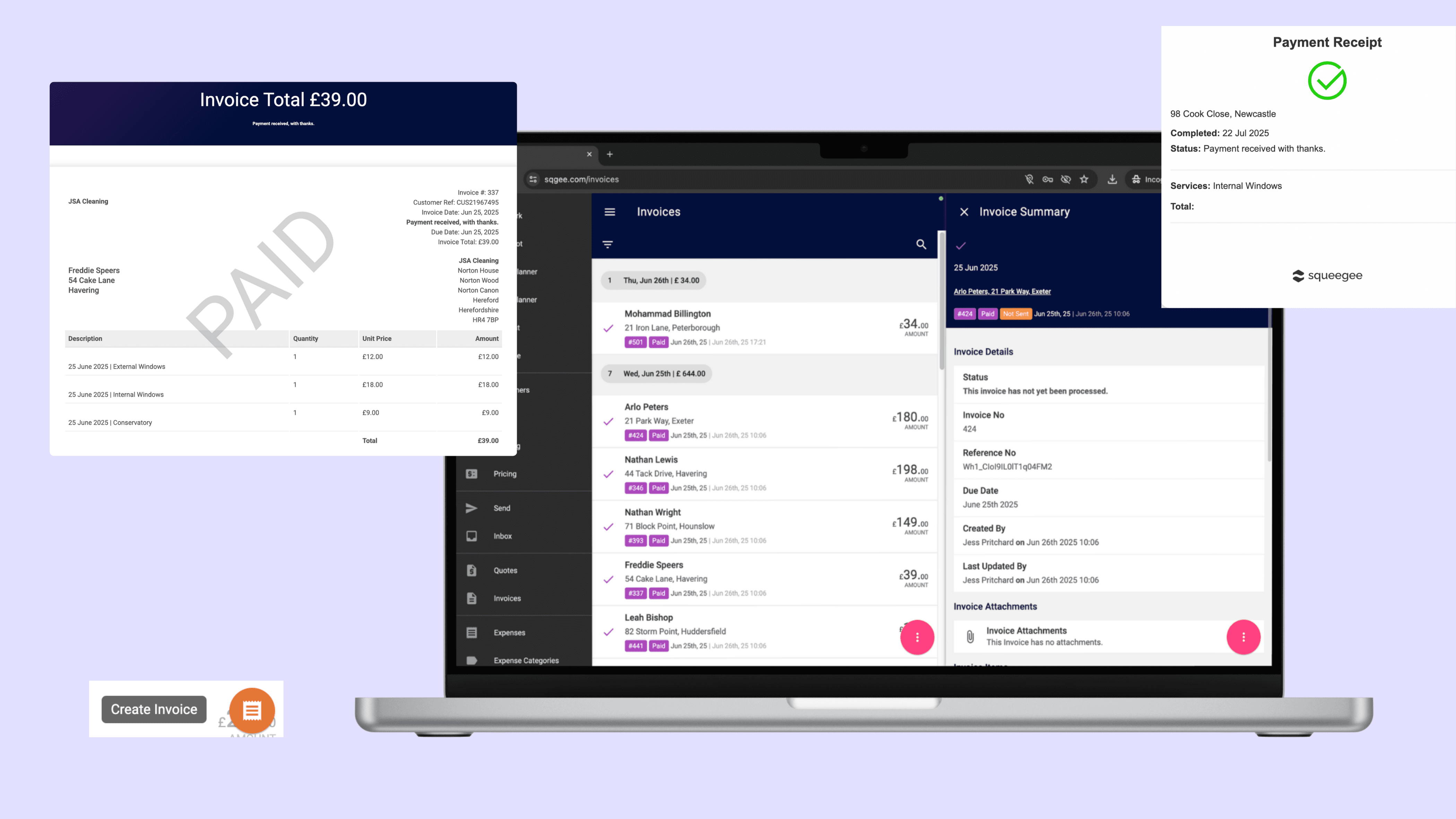
Help CentreCustomise your invoice template in just a few clicks to match your branding. Once set up, Squeegee can automatically generate professional, polished invoices every time a job is marked as complete.
Prefer a manual approach? You can also build invoices that group multiple jobs over time—perfect for commercial clients or recurring work.
You can view all invoices and quickly see at a glance those that are paid, due and overdue and follow up with a host of extra features to help with payments too.

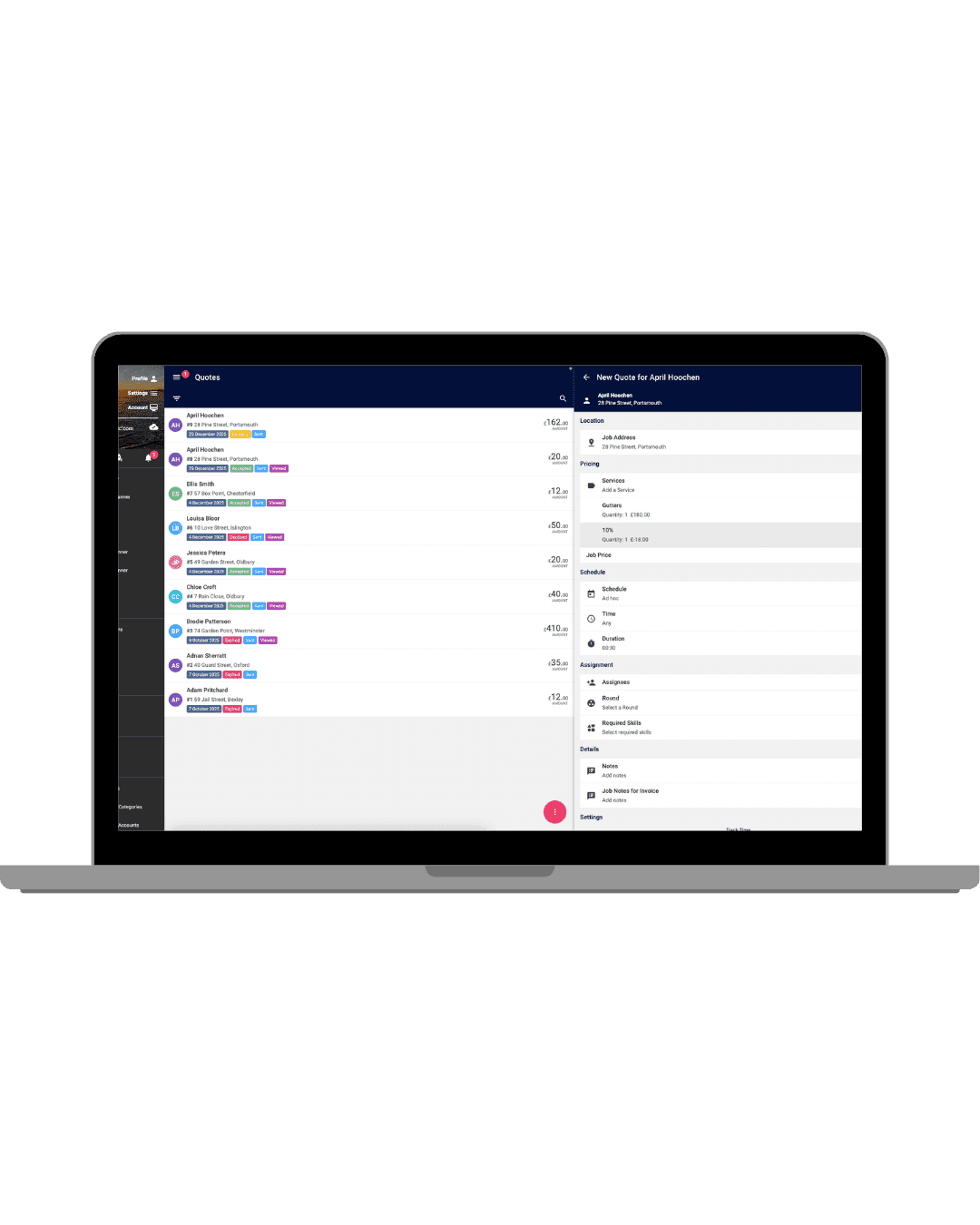
Adjust prices by adding a discount in Squeegee
Whether you’re rewarding a loyal customer, running a seasonal promotion, or adjusting a price for a one-off job, adding a discount in Squeegee is quick and easy.

Not sure on whether to switch to paperless invoicing? Take a look at this article to outline why digitising invoicing will help your business.

Trad-Man talks us through the list of reasons or excuses why customers don't pay their invoices when they are left/sent and how you can manage payments better with automatic payments.


Attach files and photos to invoices
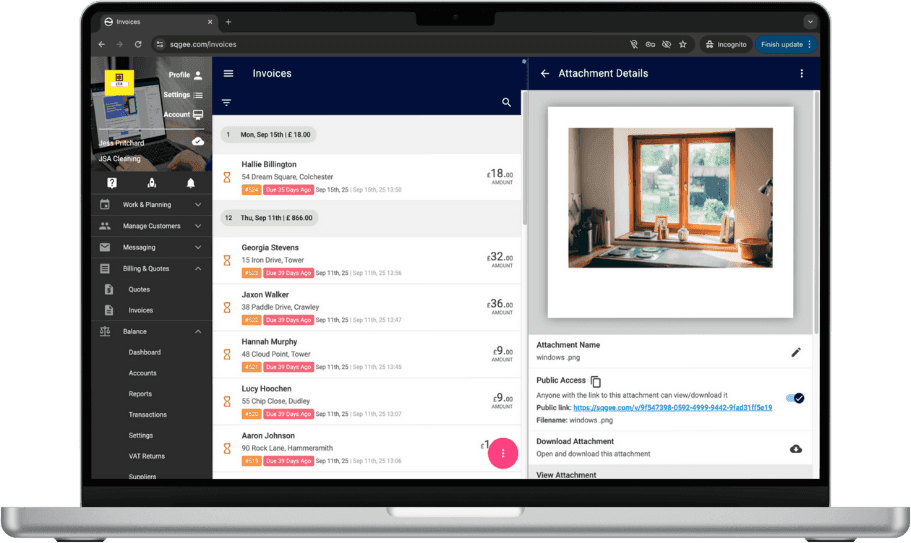
Squeegee allows you to attach files and photos to invoices, making it easy to include before-and-after images, job completion evidence or any supporting documents for your customers. Once attached, these will be included when the invoice is emailed or sent via the customer portal.
Use attachments to boost professionalism and transparency, especially for high-value jobs or commercial clients.

Choose to send invoices manually at a time that suits you — whether that’s immediately after the job, at the end of the day or even weekly.
Instead of setting jobs to automatically invoice upon completion, you can choose to send invoices manually at a time that suits you. Useful when:
How to send invoices on demand (Step 6 onwards)
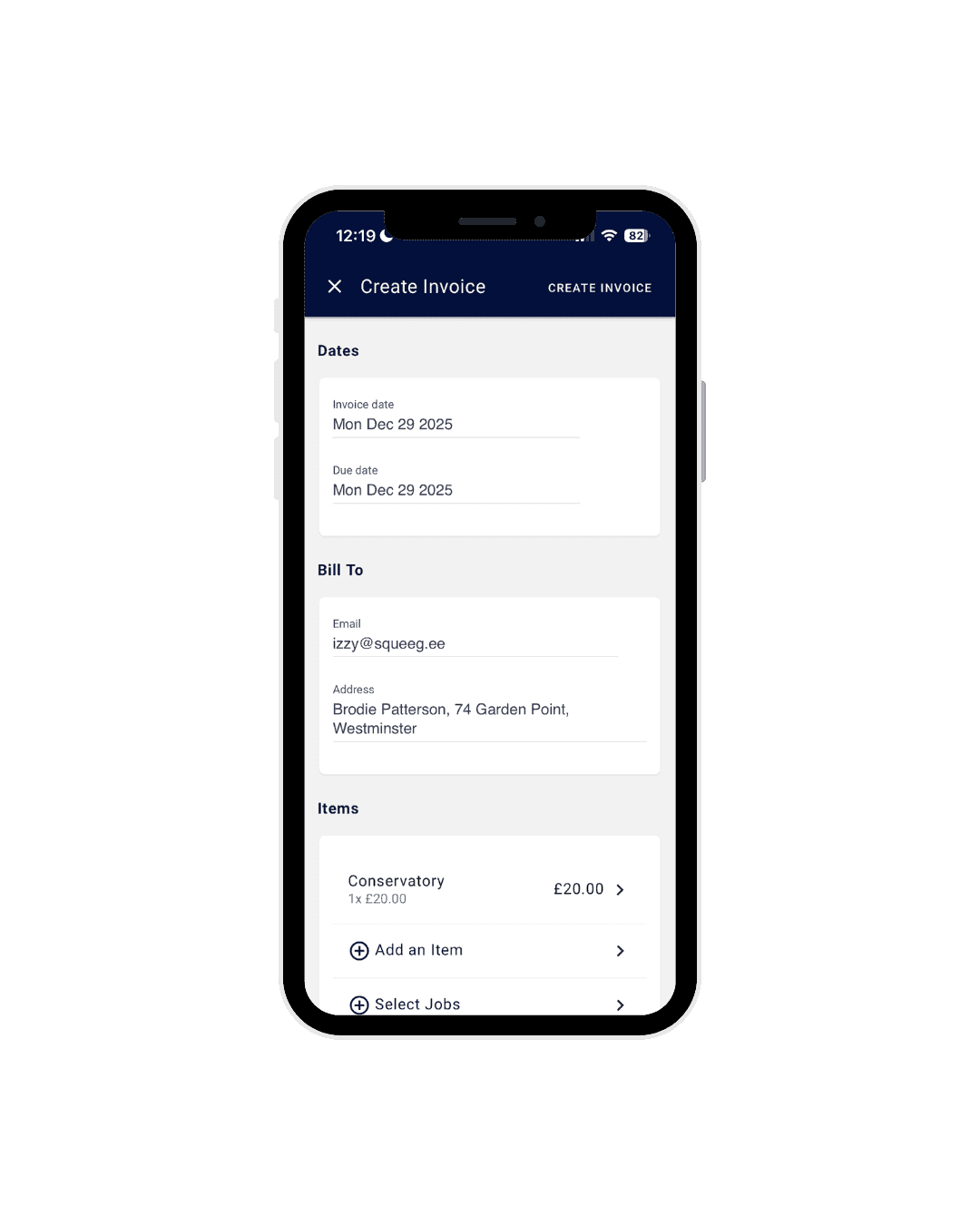
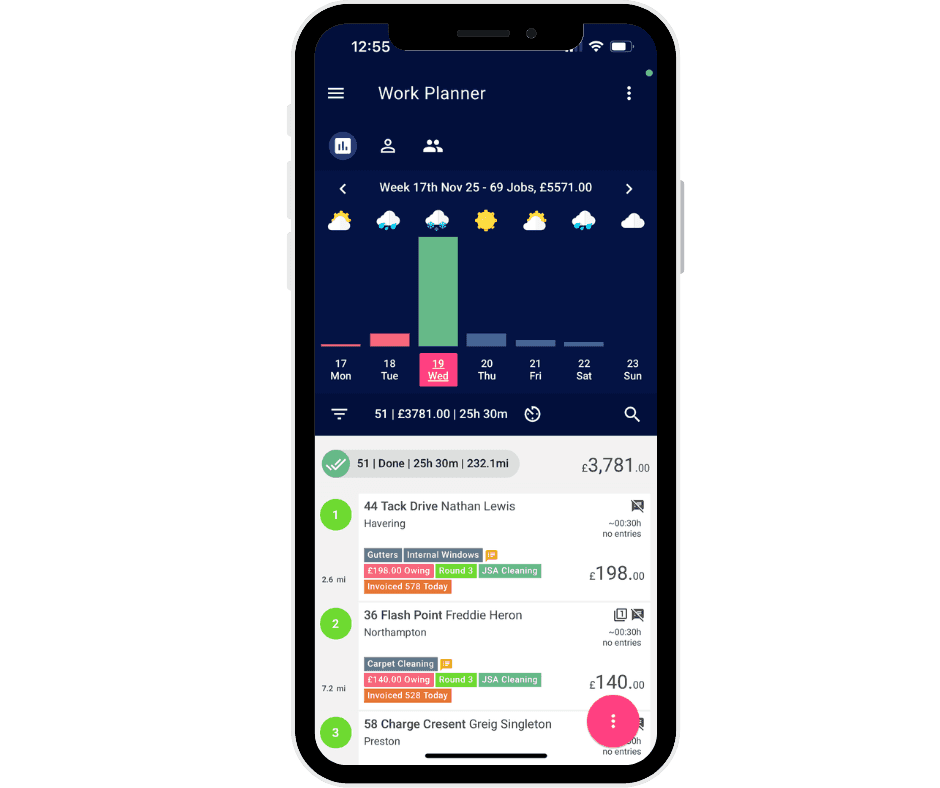

Send invoices with just one swipe when marking the job as done.
With that same one action, your workers can also send invoices to clients via SMS, email or both. All communications that go out of Squeegee have full tracking to ensure they are reaching your clients for payment.
Setting up Squeegee was a breeze. The support team guided me through linking it to my GoCardless account and advised me on the best settings for my business. I was up and running quickly and ready to sign up my first customers. What surprised me most about Squeegee was how intuitive and easy it is to use. The automated payment system through GoCardless is one of the best features. Customers love how easy it is—no need for cash payments or worrying about bank transfers. Payments are set up once, stored securely and handled automatically making the whole process stress-free for both me and my customers.

Before Squeegee I used to leave paper invoices and spend hours through the week checking payments online and marking them off on my spreadsheet. Now with just one swipe on my phone I can mark a job as done and either set up a Direct Debit or send an invoice by text or email. Not only has the automation that squeegee offers reduced my admin by around 90% but it's also greatly improved my cashflow. Amazing

I first found Squeegee when it was first starting out 3 years ago. What I love about the app is that they trying to make the mundane paperwork less and less. They try to automate this as much as possible. Their customer support is one of the best and easiest to deal with. I would recommend anyone to give this app a go and I guarantee you, you will never leave!

In today's digital world a good social media presence is essential for service industry businesses aiming to connect with clients and expand their reach.