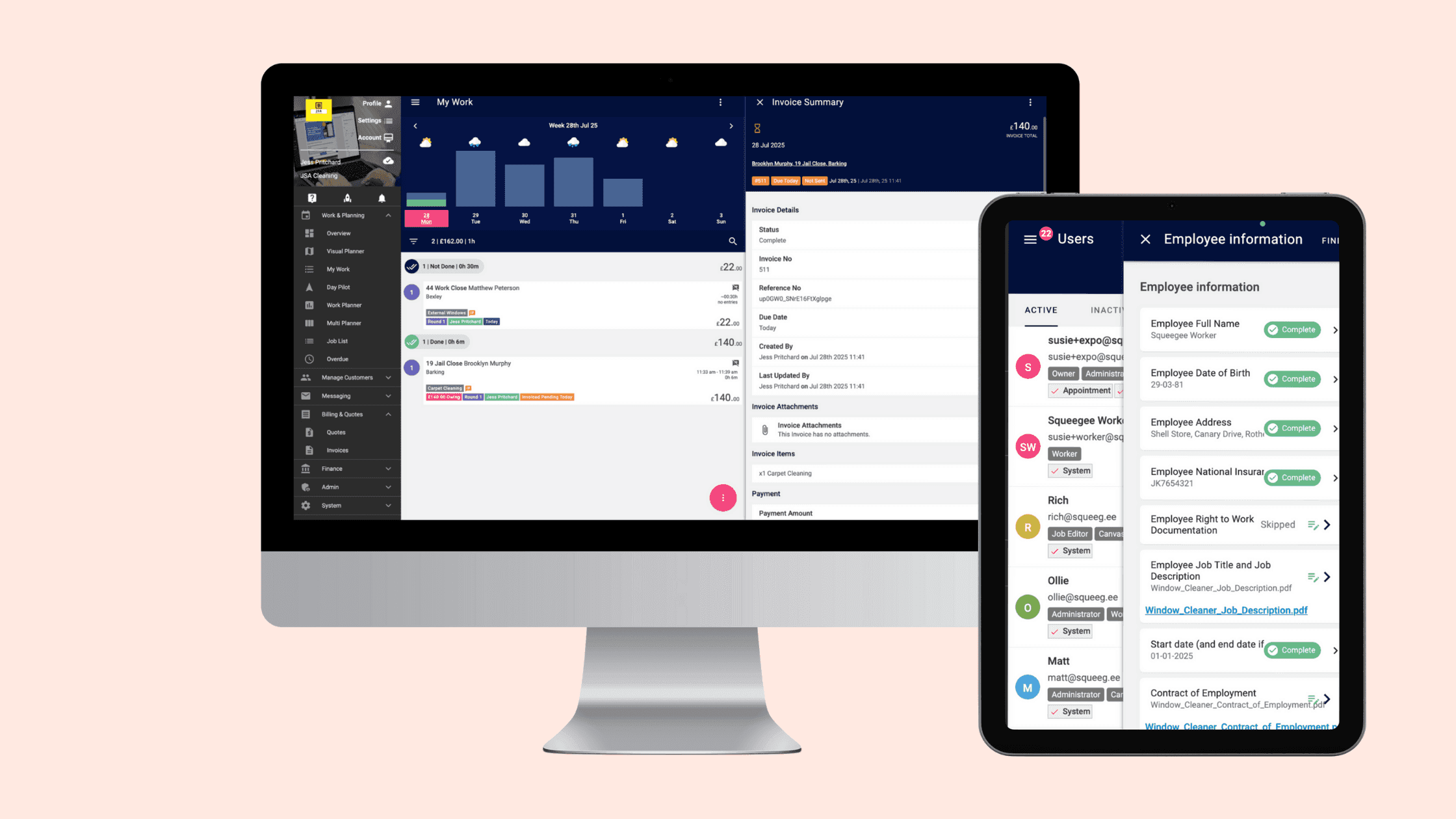
Make every day more productive and profitable
Help
Help CentreAttach photos and files, log time spent on each task and use custom checklists and fields to ensure nothing is missed.
Automated email attachments make sharing information simple and everything is stored securely for easy reference. Ideal for when you need proof of work, accurate records and a clear overview of each job.
As a one-man band, it’s hard to remember everything. With Squeegee, I just open the app in the morning, see all my tasks for the day and add quick notes if something new comes up while I’m working. The ‘owing list’ keeps payments organised — I check it daily after invoicing and can send a friendly reminder with just a couple of taps.

We chose Squeegee because it was clearly built for businesses like ours. The features, the usability and the support were exactly what we needed. It’s helped us professionalise and simplify our operations. We’ve gone from spreadsheets and paperwork to a fully integrated system. It’s saved us time, reduced errors and made it easier to scale.

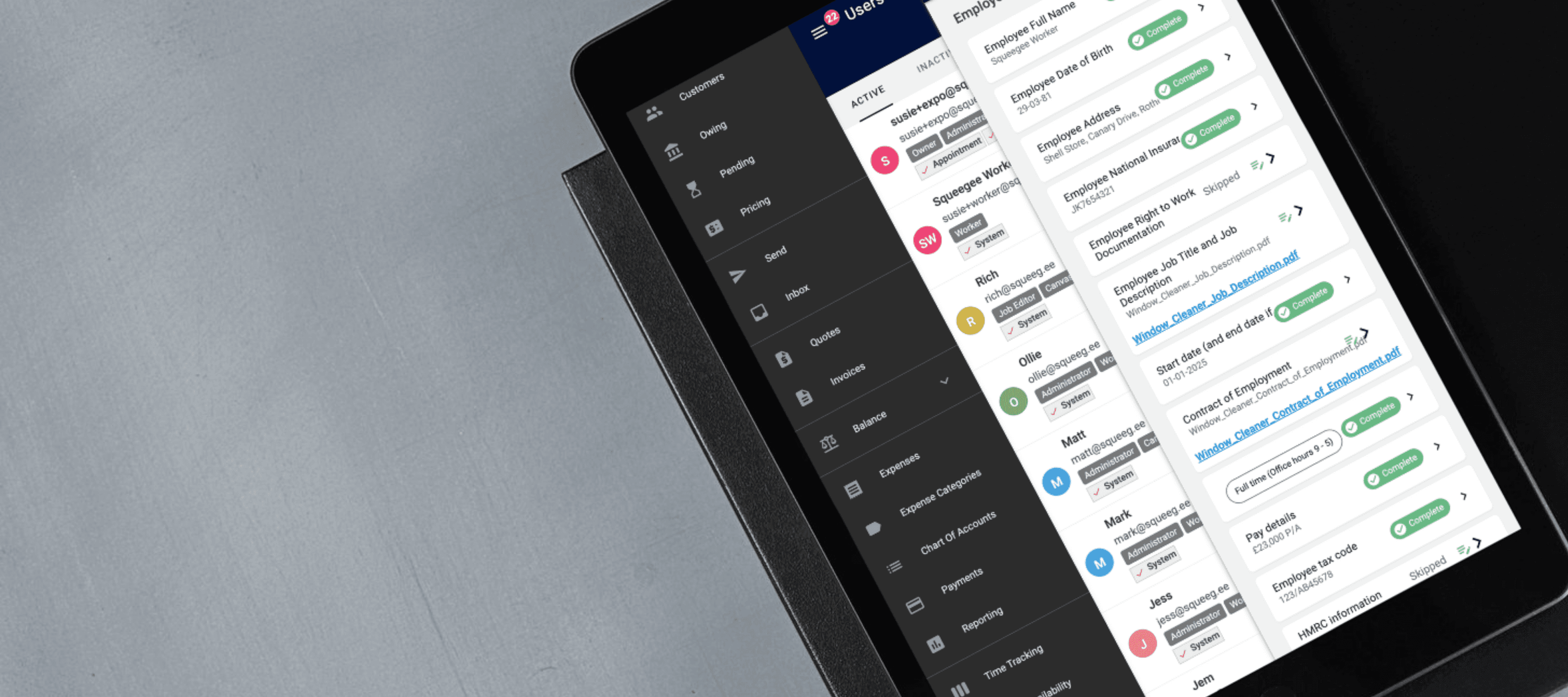
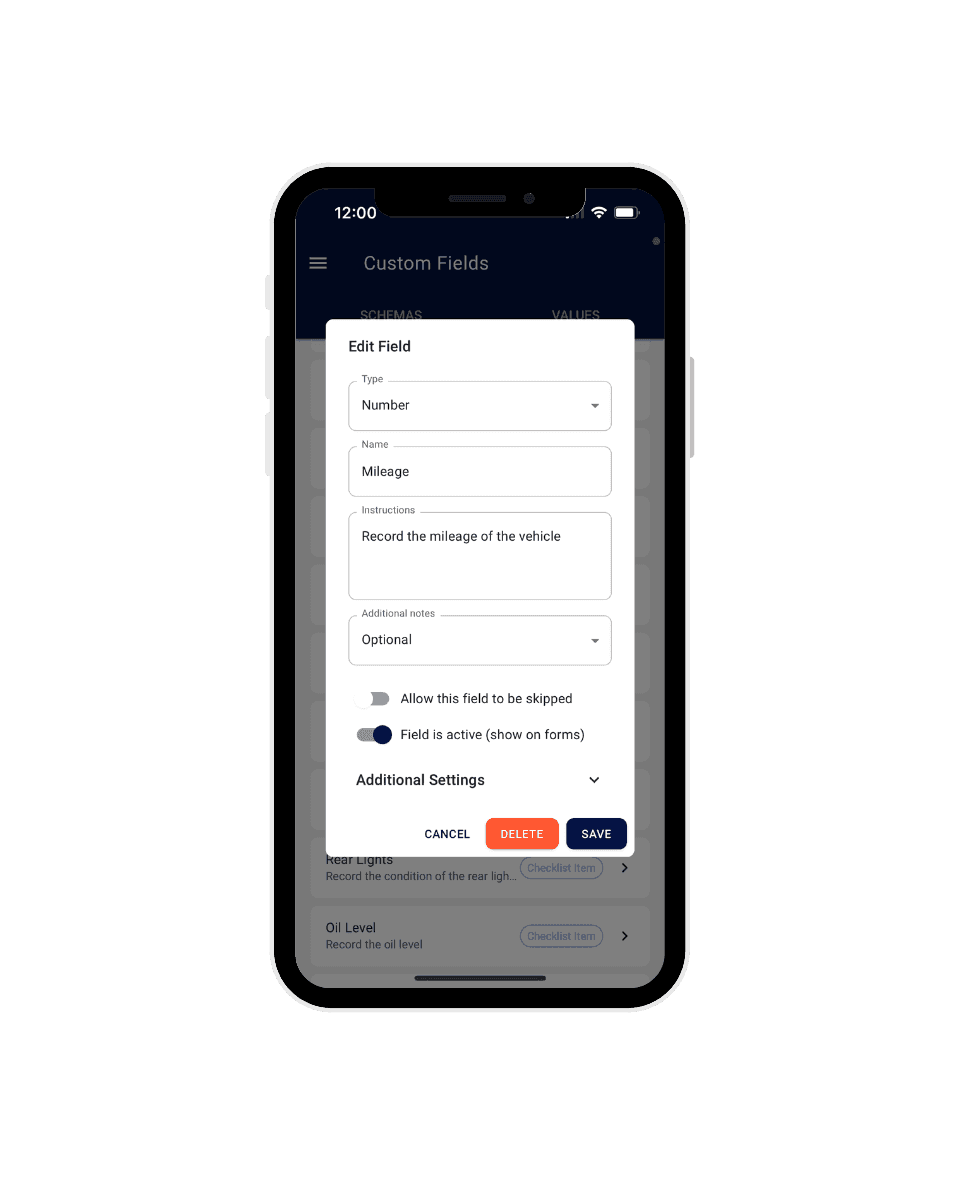
Custom Fields gives you the flexibility to tailor Squeegee to your unique needs.

Learn how to kickstart your mobile service business with these expert tips from Squeegee. Discover essential strategies to establish efficient processes and foster sustainable growth in this dynamic industry.


Keep all relevant information in one place.
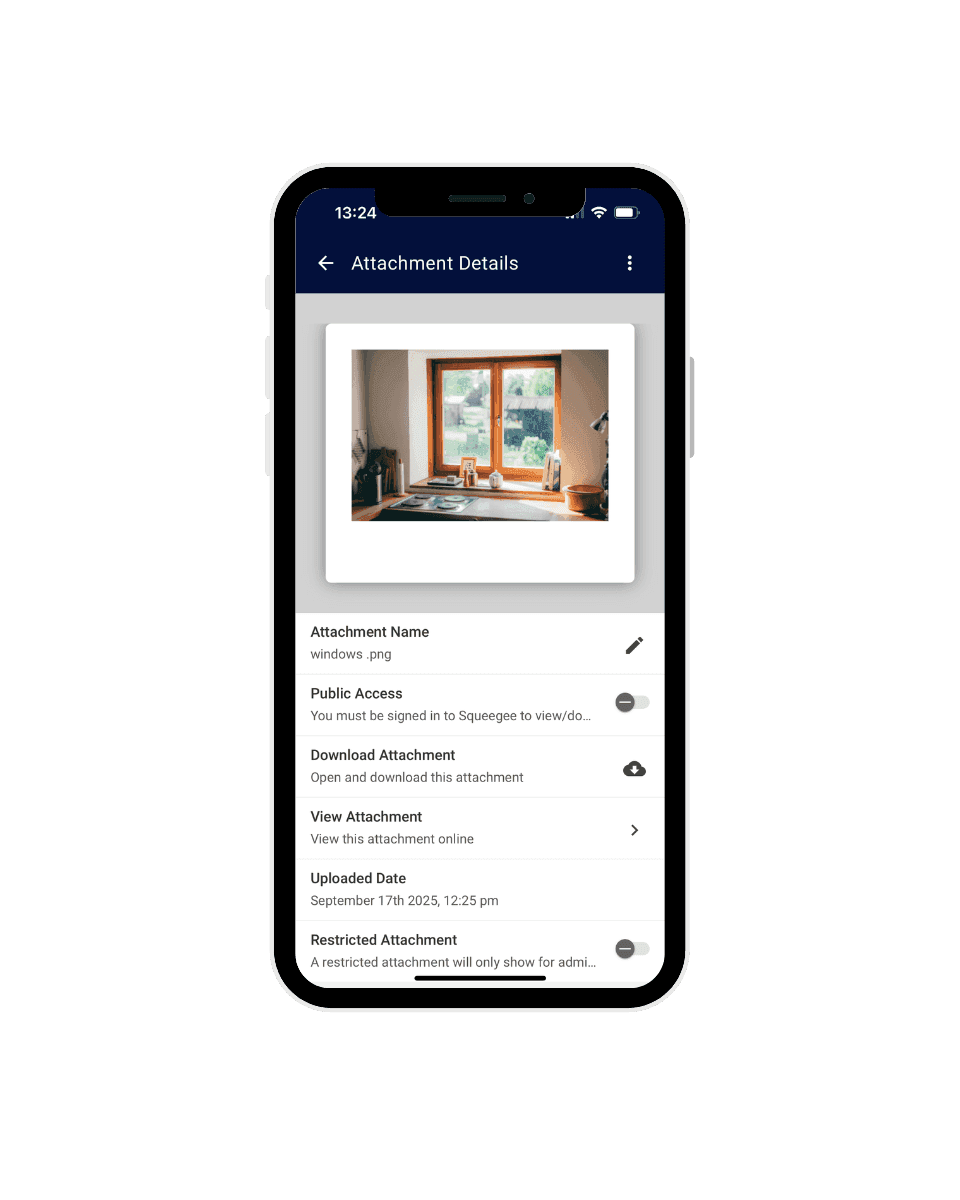
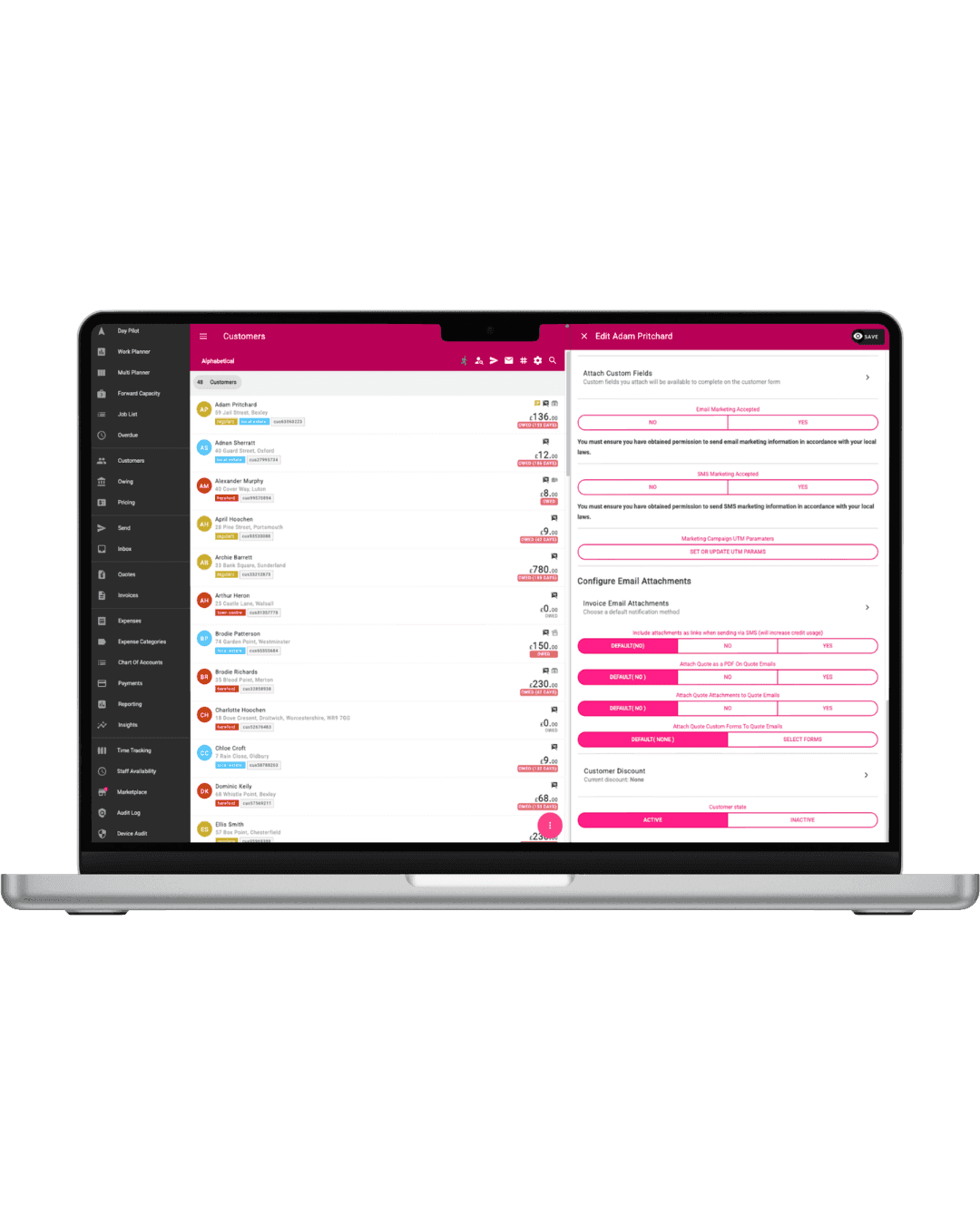

Attach images
Automatically attach documents (PDF's, photos) to your emails, ensuring customers always receive the information they need.

Control over how jobs are managed and completed.
Perfect for inspections, product usage tracking or ensuring compliance with job-specific requirements.
How to create custom forms How to enable on individual customers, jobs & users and how to enable globally
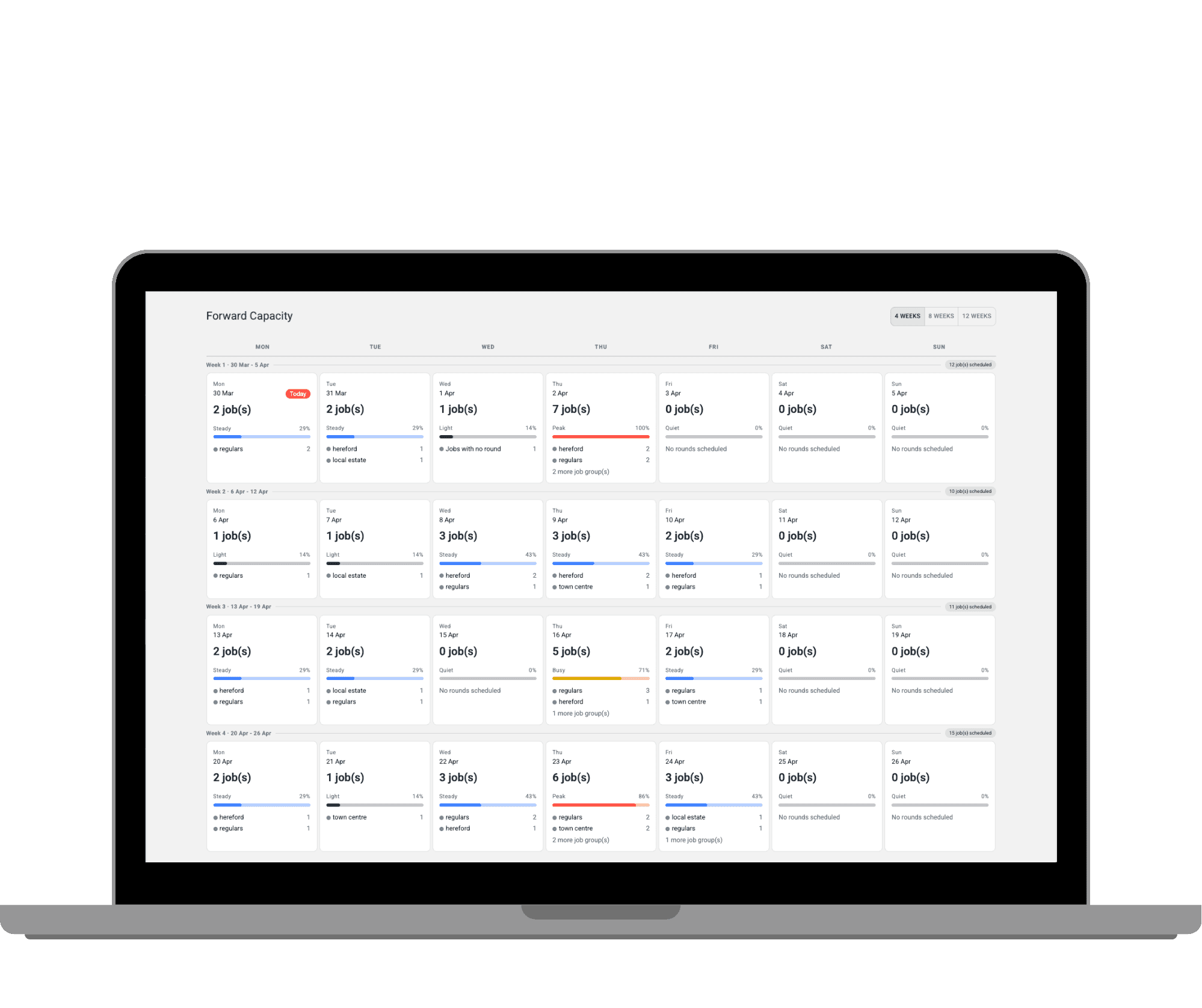

See your jobs 4, 8 and 12 weeks ahead.
Gain a clear overview of your upcoming workload, showing how full each day is at a glance. Spot quieter days, avoid overloading busy ones, and plan work efficiently across your schedule.

Improve scheduling, accuracy and productivity
Once enabled, team members can:
And you'll gain valuable insights and keep your scheduling as accurate as possible.
Setting up Squeegee was a breeze. The support team guided me through linking it to my GoCardless account and advised me on the best settings for my business. I was up and running quickly and ready to sign up my first customers. What surprised me most about Squeegee was how intuitive and easy it is to use. The automated payment system through GoCardless is one of the best features. Customers love how easy it is—no need for cash payments or worrying about bank transfers. Payments are set up once, stored securely and handled automatically making the whole process stress-free for both me and my customers.
Trad-Man talks us through the list of reasons or excuses why customers don't pay their invoices when they are left/sent and how you can manage payments better with automatic payments.