Make every day more productive and profitable
Help
Help CentreSqueegee is now HMRC-recognised, with MTD features built directly into your business management workflow. That means you can keep your business and financial records together in one place, without needing separate accounting software.
💡 What is Making Tax Digital?
Making Tax Digital is a government initiative designed to modernise the UK tax system by replacing traditional manual tax returns with digital records and regular online submissions.
From April 2026, MTD for Income Tax will apply to self-employed individuals with a qualifying income above the relevant threshold. This includes:
Instead of submitting just one annual tax return, those affected will need to:
📊 Keep your income and expenses organised
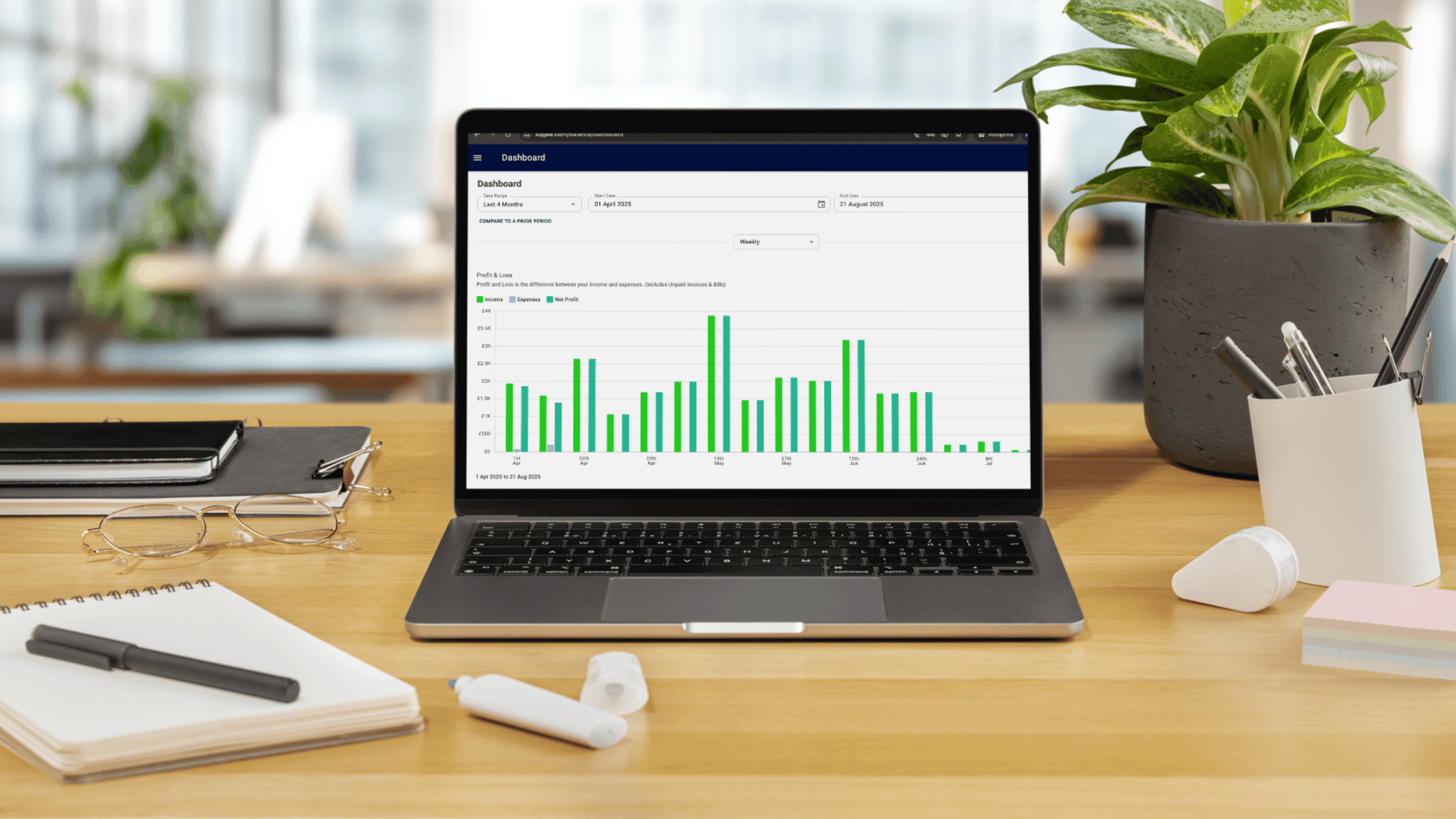
Your jobs, invoices and payments already live in Squeegee, helping you keep your financial information together in one place.
Squeegee helps you:
🔄 Quarterly MTD Submissions
Squeegee supports you in preparing the information needed for your quarterly MTD updates, helping you keep on top of your reporting throughout the year rather than leaving everything until your annual tax return.
🧾 End of period and final declarations
Squeegee also supports you with the information needed for your end-of-period statement and final declaration, helping make the transition to digital tax reporting easier.
💷 Effortless VAT returns
If you’re VAT registered, Squeegee can also help you simplify your VAT reporting. Simply connect your HMRC account and Squeegee can:

An introduction to accrual accounting with definitions, examples, and a breakdown of who relies on it. Includes a link to our full guide for further detail.

How to set up and process CIS payments in Squeegee, with an overview of the scheme, contractor deduction rules, and a link to our detailed guide.

We recommend reviewing your VAT regularly so you always have a clear idea of what you owe. Setting aside funds in a savings account can also help you stay prepared when it’s time to pay.
🤝 Work with your accountant or bookkeeper
Prefer to have a professional handle your accounts? You can add your accountant or bookkeeper to your Squeegee account free of charge using the dedicated Accountant/Bookkeeper user role.
They’ll have secure access to the information they need, making it easier to collaborate, answer questions and manage your financial data.
We've also partnered with trusted accountants and bookkeepers who are familiar with Squeegee:
Whether you manage your own tax reporting or work with an accountant, Squeegee keeps your business and financial information together in one place.
📖 Learn how to break your figures down into HMRC's expense categories in Squeegee.
💻 Watch our webinar on Making Tax Digital Tools where our Customer Success Manager Susie and CEO & Lead Developer of the features, Mark explain who the changes affect, what you need to prepare and demonstrate how to submit your quarterly updates.
How to set up and invoice using the VAT Reverse Charge in Squeegee, including applicability rules and a link to our guide.