Subscribe To Our Newsletter
Get notified about news, webinars and more.

Make every day more productive and profitable
Help
Help CentreMake every day more productive and profitable
Help
Help Centre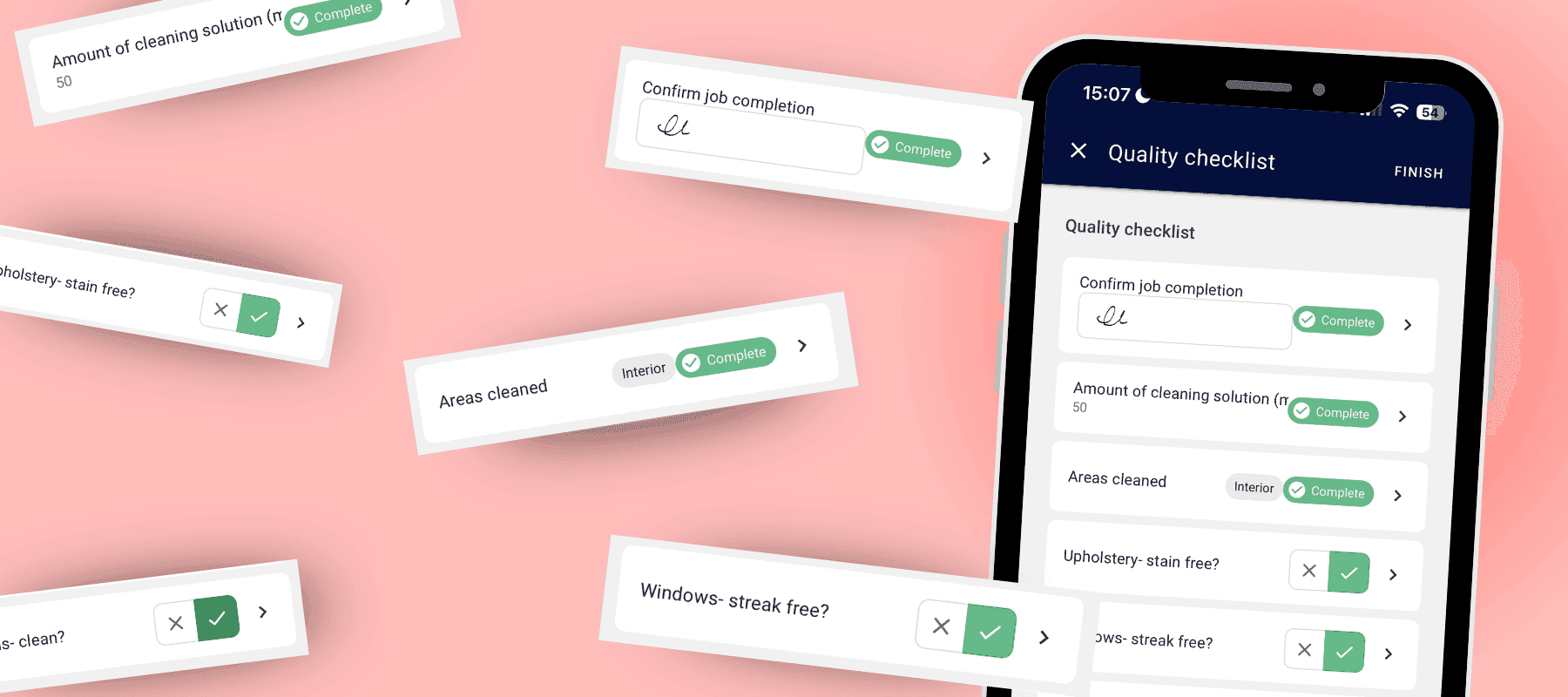
Custom Forms: Work Your Way
Keep your business running smoothly with digital forms built around the way you work. Ideal for when you're carrying out inspections, completing safety checks, recording product usage or collecting customer signatures, Custom Forms help you stay organised and consistent.
Start with one of our ready-made templates or create your own using text fields, checkboxes, number inputs, photos and signatures. Everything is saved automatically, giving you a complete record of every job whenever you need it.
How you could use Custom Forms
Consistent job quality Build job checklists that every team member follows, with required photos to prove work has been completed to your standard.
Risk assessments Record site-specific hazards and safety checks before work begins. Pair this with our Hazards & Risks feature to keep your team informed of nearby risks.
Commercial job records Capture checklists, notes, photos and customer signatures to create a clear audit trail and provide proof of work for commercial clients.
Daily vehicle checks Create pre-start van inspections so your team can spot issues early, improve safety and help prevent costly breakdowns.
Employee records Use Custom Forms for onboarding, policy acknowledgements and other HR paperwork, keeping everything securely stored in one place.
How to create Custom Collections & Fields
Navigate to the Admin menu > custom fields and create a new collection from templates or create your own. Follow the guide here: Creating Custom Collections & Fields.
Add to Quotes Custom Forms can also be added to quotes, allowing you to include images, checklists, signatures and more before sending. You can even configure completed forms to be attached to the quote automatically, giving customers everything they need in one professional document.
Custom forms can also be added to customers, users and jobs. Learn how .